



Rescuing Hard Disk Data: Above All, Don’t Keep Switching the Computer On and Off
Source: Hong Kong Economic Journal, 2 October 2007
★ Rescuing Hard Disk Data: Above All, Don’t Keep Switching the Computer On and Off
Many people think that once a hard disk develops a problem or data is accidentally deleted, the data is lost for ever, but in fact, when this happens, most of the data still exists. Below are some examples of such problems.
Case 1: After reinstalling Windows, you find that the old data was not backed up
Many people have experienced a similar situation and assumed that all their data was lost for good, but in fact the old data can still be rescued. What is certain is that some of the data will have been overwritten: for example, if 1GB of space was used to install Windows, at least 1G of data will have been lost, but in most cases 50% or more of the data can still be rescued.
Case 2: The hard disk makes strange noises when the computer starts up
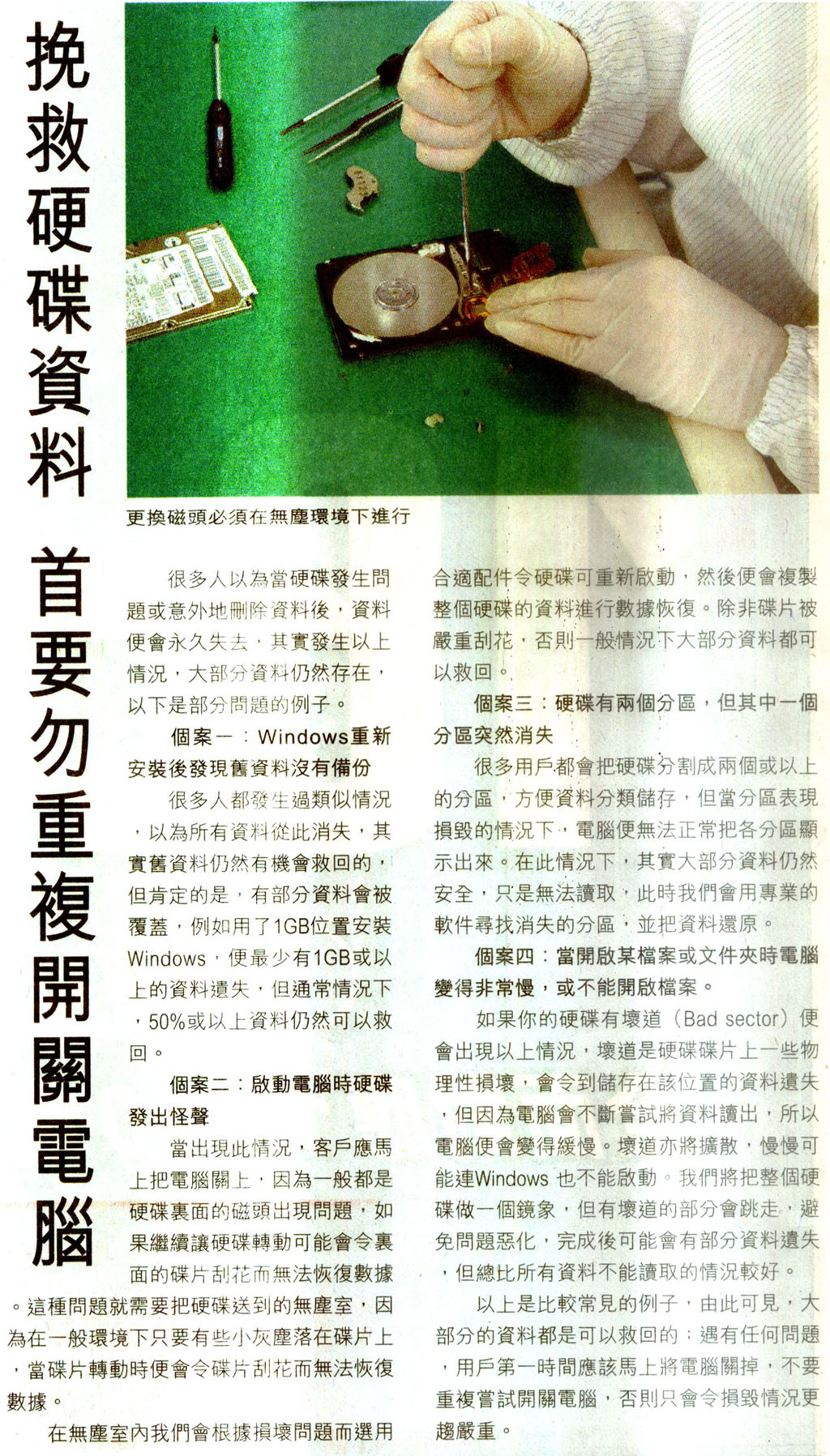
When this happens, the customer should switch off the computer immediately, because it is usually a problem with the heads inside the hard disk, and if the hard disk keeps spinning, the platters inside may be scratched so that the data cannot be recovered. This kind of problem requires the hard disk to be sent to a cleanroom, because in a normal environment, even a tiny speck of dust landing on a platter will scratch it as it spins, making the data unrecoverable. In the cleanroom, we choose suitable parts according to the damage so that the hard disk can be started up again, and then copy all the data on the hard disk for data recovery. Unless the platters are badly scratched, most of the data can generally be rescued.
Case 3: The hard disk has two partitions, but one of them suddenly disappears
Many users divide their hard disk into two or more partitions to make it easier to store data by category, but when the partition table is damaged, the computer can no longer display the partitions properly. In this situation, most of the data is in fact still safe but cannot be read; we then use professional software to find the missing partition and restore the data.
Case 4: The computer becomes very slow when you open a certain file or folder, or the file cannot be opened.
If your hard disk has bad sectors, this is what happens. Bad sectors are physical damage on the hard disk that causes the data stored in those locations to be lost, and because the computer keeps trying to read the data, it becomes slow. Bad sectors also spread, and gradually even Windows may fail to start. We make a mirror image of the entire hard disk, skipping the parts with bad sectors to prevent the problem from getting worse; afterwards some data may be lost, but that is still better than none of the data being readable.
These are the more common examples, and they show that most data can be rescued. Whatever the problem, users should switch off the computer immediately and not keep trying to switch it on and off, otherwise the damage will only become more serious.
Original article / related files:
6


